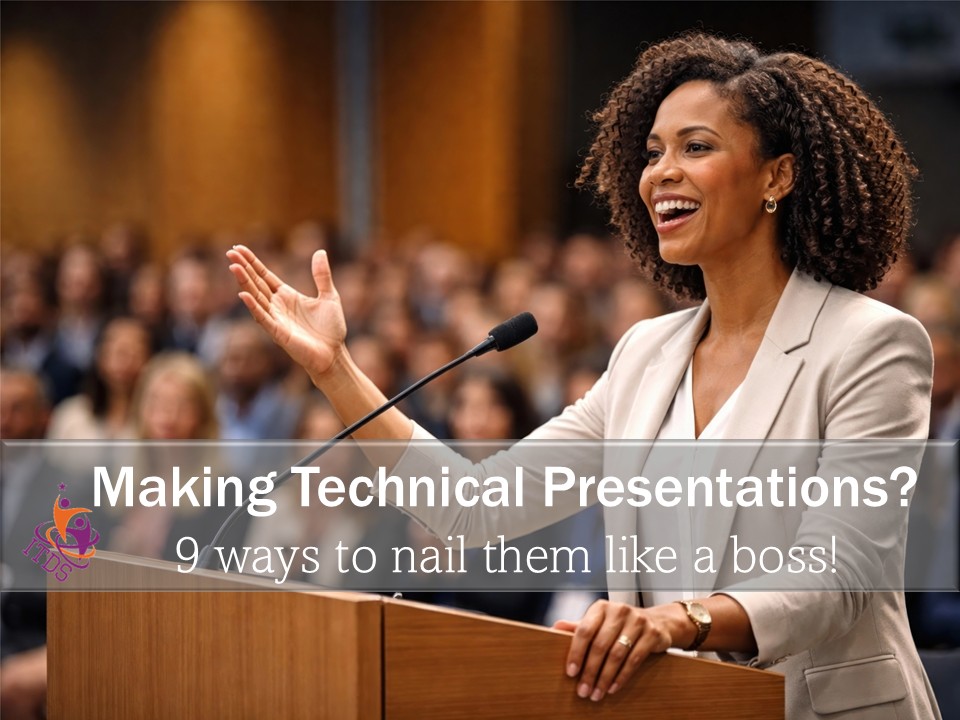

To be effective, making technical presentations require more than the speakers showing up and downloading their knowledge on an audience.
You have to know your purpose for speaking, connect with your audience, make sure the atmosphere is right for your presentation and of course, have some basic public speaking skills.
This post breaks it all down for you and gives you even more tips for nailing technical presentations like a boss. It is a “must have” for those who are already regularly making technical presentations as well as those who are now starting out.
So grab it, make it your speaking resource and also share it with your colleagues.
Knowing your audience is critical to any speech, but especially when you’re making technical presentations. I mean, how else can you structure your talk so that the audience understands what you want them to?
Furthermore, would you make a technical presentation in the same way to: (1) Key decision-makers and influencers who are very familiar with the subject and (2) a group of PTA members of the local high school?
Don’t make assumptions about what your audience might know, collect the information. In this way, you will be able to design a presentation that exactly matches their needs with your purpose.
Here is a sample of relevant information you should find out about your audience:
Most times, technical people are invited (or required) to speak because it is believed that they “have some good information to share.” And most technical people just say “yes” without even wondering “what is expected of me?”
In reality, the fact that you have some good information to share does not automatically transform into your purpose for speaking.
Since this is the case, you can and should decide your purpose for making every technical presentation. Doing so will help you to structure your speech in a meaningful and relevant manner.
For Example, you can decide if you want to:
When you know your purpose and you have analysed your audience, you can them prepare and deliver a technical presentation that will be remembered for the right reasons.
Regardless of how well you know your topic, or the composition of the audience, you owe it to your listeners and yourself, to plan, write, and deliver your speech in a professional, convincing manner.
Here is what I mean.
In addition to speaking on your own behalf, you might be representing an organization. If this is the case, you also owe it to them to represent them professionally thus building goodwill between the organization and the audience.
As part of your preparation, decide how you will arrange your information, what charts, slides, etc you will use to enhance your words. And how you will create the right atmosphere for the audience to take in the information.
Importantly, make sure you have acquired at least the fundamentals of public speaking. Come on, you’re going to be doing this again and again.
How you dress also matters. Do not run the risk of allowing how you dress to undermine the overall quality of your speech.
As a professional, your approach to sharing your information must be equally professional.
This is critical to your success at making technical presentations to non-technical audiences.
You see, your audience come into the room with the memory of all the bad technical presentations they had attended. Now, they hope that this one will be better.
This means, you now have your work cut out for you, if you’re going to deserve their gratitude at the end. Regardless of the type of audience, you have to find a way to connect with them quickly, clearly and simply.
Therefore, your opening should be short and designed to capture their immediate attention and/or interest. At the same time, it should alert them to the theme of your speech.
Unfortunately, the following common weak openings will not do it for you:
Instead, you can try:
One of the chief purposes of presenting technical information is to help your audience understand some complex but important topic. Yet, time and time again, presenters fail to meet this basic standard.
Recently I attended a presentation entitled “Understanding Financial Statements – All Myths Debunked.” Given my experience in financial accounting, I was looking for some more tips to help my clients who remain intimidated by all things financial.
At the end of that presentation, I was more confused than when I entered the room and I was even doubting my knowledge of the topic.
Here are some tips to prevent you from falling into this trap:
Too, too many persons who make presentations believe that their chief role is to turn up and make the speech. This is not exactly true.
The atmosphere and the environment in which you speak are so very important to you as the speaker, and to your audience, that you should take responsibility for checking it out…before the actual date of your speech.
Here’s how you can do that:
This is also part of how you plan to present professionally. (See # 3 above)
You delivered your presentation to thunderous applause. You smiled in acknowledgement and with that smile still in place, you invite questions.
Up shoots a hand accompanied by a booming voice, which asks: As wind turbines go, er, aah, can you tell me how a stator-rotor turbine cascade design can be used to more effectively extract energy from the flow?
Your smile freezes in place and you ask yourself who is this (you choose the word)? That was the whole crux of my presentation!
Many a great presentation has been undone by the speaker’s poor handling of the “question and answer” session.
Because effectively answering questions after your technical presentation is so important, I have written an entire post on the topic. You can check it out here.
Sigh…Big Sigh…
Even as I write, a speaker somewhere is making a technical presentation and apologizing for the SUPPORTING PowerPoint presentation.
So here are some very basic tips that will help you through this aspect of your presentation.
In other areas of people’s lives, giving a handout might not be the best thing to do. But for a speaker, it’s not a bad thing to do. But it’s how you do it that counts.
Here’s how you can do it:
So there you have them…
9 tips to help you present better to non-technical audiences!
Use these tips and you will improve your presentation and your audience will enjoy it. The spotlight is on you, but you have prepared well and practiced.
Hear the applause. Bask in the compliments. Savour the moment.
And Let me know how things work out – lorna@impacttrainingservices.com

For useful, practical small business tips & your FREE CEO Mindset Checklist!
See our privacy policy here.
Get useful, practical small business tips & your own FREE CEO Mindset Checklist!
See our privacy policy here.